Why SEO-Friendly Web Design is Crucial for Business Growth
Discover why SEO-friendly web design is crucial for business growth and how it enhances visibility, user experience, and conversions.

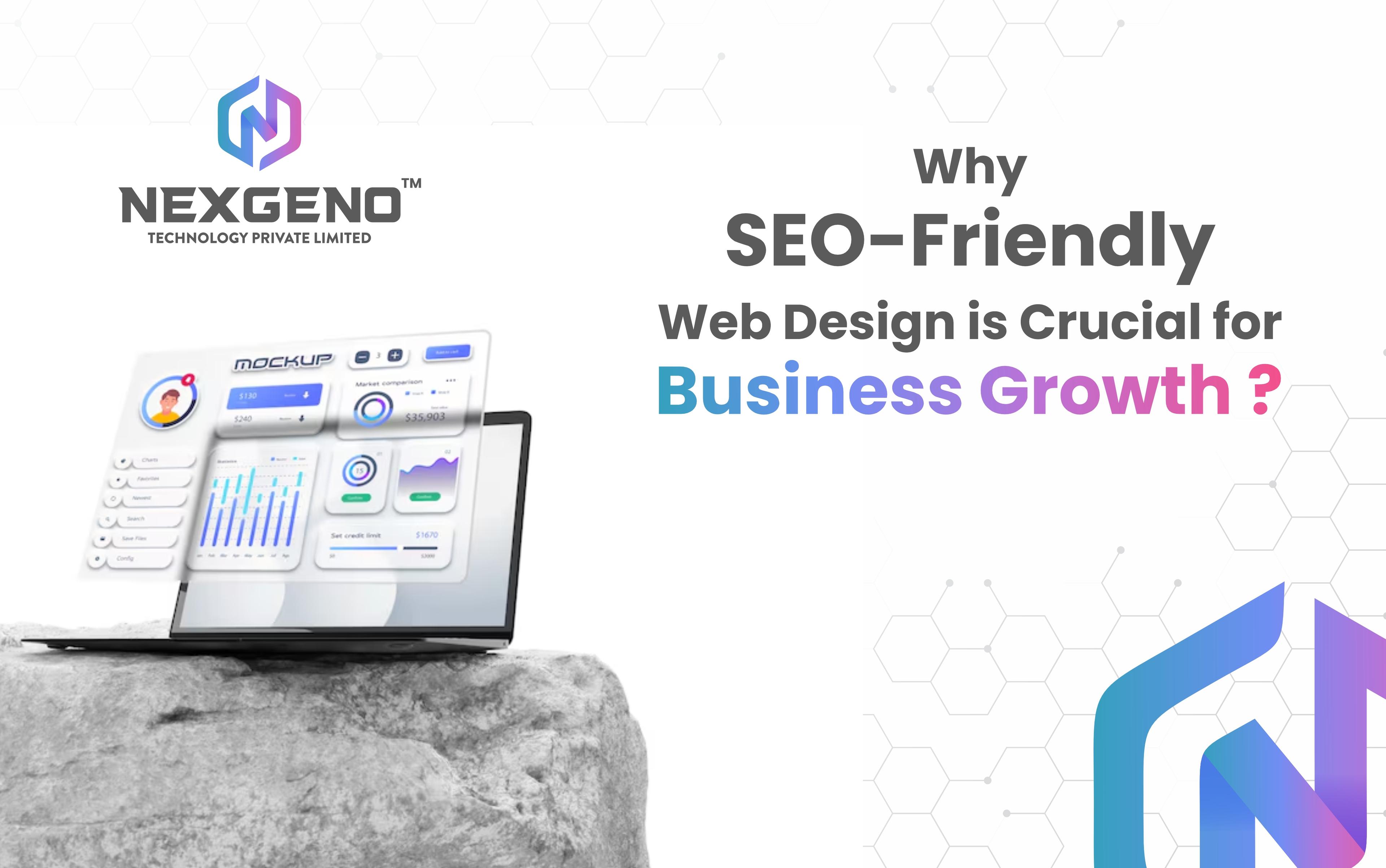
In today’s digital era, having a visually appealing website is no longer enough. Businesses must ensure their websites are SEO-friendly to attract organic traffic, rank higher on search engines, and provide a seamless user experience. A well-optimized website not only enhances visibility but also improves engagement, conversions, and brand credibility.
But why is SEO-friendly web design crucial for business growth? Let’s dive deep into the reasons, key elements, and best practices for implementing an SEO-optimized website.
What is SEO-Friendly Web Design?
SEO-friendly web design refers to the process of designing and developing a website that follows search engine guidelines while providing an excellent user experience. This includes factors like:
- Mobile responsiveness
- Fast loading speed
- Proper URL structures
- Optimized images and content
- Secure and accessible coding
A well-structured, optimized website ensures that search engines can crawl, index, and rank the pages efficiently, making it easier for users to find the business online.
The Role of SEO in Business Growth
Increases Online Visibility
An SEO-friendly website ranks higher in search results, ensuring more people discover your business. Increased visibility means more opportunities for engagement and sales.
Enhances User Experience (UX)
SEO and UX go hand in hand. A well-designed website with intuitive navigation, fast performance, and clear content keeps visitors engaged, reducing bounce rates and improving conversions.
Drives Organic Traffic
Instead of relying solely on paid ads, SEO-friendly web design helps businesses attract organic traffic, reducing marketing costs and providing long-term benefits.
Builds Credibility and Trust
Websites that rank high on Google are perceived as more reliable and authoritative. Implementing secure connections (SSL), structured content, and mobile responsiveness boosts credibility.
Improves Conversion Rates
A well-optimized website makes it easier for visitors to take action, whether it’s purchasing a product, signing up for a newsletter, or contacting the business.
Key Elements of an SEO-Friendly Website
1. Mobile Responsiveness
With over 60% of online searches happening on mobile devices, a responsive design ensures that your website looks and functions well on all screen sizes.
2. Fast Loading Speed
A slow website frustrates users and increases bounce rates. Optimize images, minimize code, and use caching techniques to enhance speed.
3. Clean and Structured URL
SEO-friendly URLs should be short, descriptive, and keyword-rich. Example:
wrong: www.example.com/p=12345
Right: www.example.com/seo-friendly-web-design
4. Optimized Content and Keywords
High-quality, keyword-rich content is essential for ranking. Use proper headings (H1, H2, H3), internal linking, and LSI keywords for better optimization.
5. Secure and Accessible Website (HTTPS)
Google prioritizes secure websites. Ensure your site uses HTTPS encryption to protect user data and build trust.
6. Image and Media Optimization
Large images slow down websites. Use compressed images, proper alt tags, and lazy loading for better performance.
7. Internal Linking Structure
Internal links improve navigation and help search engines understand site hierarchy. Example: Linking to related blog posts and service pages.
8. Schema Markup for Rich Snippets
Implement schema markup to enhance search results with rich snippets, such as ratings, FAQs, and event details.
How SEO-Friendly Web Design Impacts Business Growth
Factor
Impact on Business Growth
Higher Search Rankings
Increased organic traffic and visibility
Improved User Engagement
Higher retention and lower bounce rates
Better Conversion Rates
More leads and sales
Brand Credibility
Trust and authority in the industry
Competitive Advantage
Outranking competitors in search results
A well-optimized website provides a seamless experience for users and search engines, ensuring consistent business growth.
Best Practices for Implementing SEO-Friendly Web Design
1. Choose an SEO-Friendly CMS
Platforms like WordPress, Shopify, and Magento offer built-in SEO tools that make optimization easier.
2. Use a Mobile-First Approach
Design your website with mobile users in mind, ensuring easy navigation and fast load times.
3. Optimize Meta Titles & Descriptions
Write compelling, keyword-rich meta titles and descriptions to improve click-through rates (CTR).
4. Implement Technical SEO
Ensure proper XML sitemaps, canonical tags, and robots.txt for search engine indexing.
5. Perform Regular SEO Audits
Use tools like Google Analytics, Search Console, and Ahrefs to monitor and improve website performance.
6. Focus on Local SEO (For Businesses with Physical Locations)
- Optimize Google My Business listing
- Use local keywords and location-based content
- Encourage customer reviews and ratings
7. Keep Content Fresh and Updated
Regularly update blog posts, service pages, and images to keep your website relevant.
FAQs About SEO-Friendly Web Design
What is the difference between web design and SEO-friendly web design?
Web design focuses on aesthetics, while SEO-friendly web design ensures search engines can crawl, index, and rank the site effectively.
How long does it take to see results from SEO-friendly web design?
SEO is a long-term strategy. Results typically appear within 3-6 months, depending on competition and optimization efforts.
Can I make my existing website SEO-friendly?
Yes! You can optimize an existing website by improving speed, structure, content, and mobile responsiveness.
Does SEO-friendly web design help in PPC advertising?
Absolutely! A well-optimized website improves Quality Score in Google Ads, reducing PPC costs and increasing ad effectiveness.
Is an SSL certificate necessary for SEO?
Yes! Google prefers HTTPS websites, and SSL certificates protect user data, boosting trust and rankings.
What are the best tools to check if a website is SEO-friendly?
Some popular tools include Google PageSpeed Insights, GTmetrix, SEMrush, Ahrefs, and Moz.
Our Clients
Trusted by 2500+ businesses for innovative website design & development solutions.







Our Services
Latest Posts
GEO by Engine: How ChatGPT, Claude, Gemini, and Perplexity Choose What to Show
Generative AI has changed how people search for information. Instead of typing a short keyword into Google and opening several websites, users can now ask complete questions to platforms such as ChatGPT, Claude, Gemini, and Perplexity and receive a conversational answer within seconds. That creates a new challenge for businesses. Ranking on Google is still important, but brands also need to understand how their content can become visible, referenced, mentioned, and cited inside AI-generated answers. This is where Generative Engine Optimization (GEO) becomes important. However, there is one major misconception: there is no universal GEO formula that works identically across every AI platform. ChatGPT, Claude, Gemini, and Perplexity have different products, retrieval systems, data sources, and ways of presenting information. Their exact ranking and selection mechanisms are proprietary, so nobody outside the companies operating these systems can provide a complete formula. What marketers can do is study their publicly documented capabilities, observable behaviour, search experiences, and content requirements — then build content that is useful across these different environments. In this guide, we will break down how GEO differs across ChatGPT, Claude, Gemini, and Perplexity, what businesses should focus on, and how traditional SEO fits into the AI-search era.
Meta Tags for SEO: What They Are, Why They Matter, and How to Use Them Right
Meta tags are small pieces of information added to a webpage's HTML that help search engines, browsers and other platforms understand or process the page. Some metadata can influence how a page is indexed or represented in Google Search, while other elements mainly affect how the page appears when shared on social platforms. For modern SEO, meta tags should not be treated as a ranking shortcut. A strong SEO strategy combines metadata with useful content, technical accessibility, internal linking, site structure, page experience and search intent. In this guide, we will explain the most important meta tags and related HTML elements, what each one does, how to optimise them, common mistakes to avoid, and how metadata fits into modern SEO and AI-powered search.
What Claude Design Could Mean for UX
From prompt to prototype, in one conversation: A tool that turns a sentence into a working prototype doesn't just change how fast designs get made — it changes who gets to make the first decision about how something should feel. That's the real UX story buried under the Figma-competitor headlines.
Get In Touch



- Website Maintenance
- Top SEO Company in Mumbai
- Social Networking
- AI/ML Development
- Mobile App Development
- Cloud Solutions Services
- E-Commerce Website
- Product Prototyping
- Front-end Development
- Digital Transformation
- Custom Website Designing
- Search Engine Optimization
- Application Development
- Website Development
- Website Designing
- Hire Vue Js Developer
- Hire Next Js Developer
- Hire WordPress Developer
- Hire OpenCart Developer
- Hire Magento Developer
- Hire Shopify Developer
- Hire React JS Developers
- Hire Angular Developers
- Hire PWA Developers
- Hire React Native Developers
- Hire Lonic Developers
- Hire Flutter Developers
- Hire Android App Developers
- Hire iOS App Developers
- Hire Express JS Developers
- Hire CodeIgniter Developers
- Hire Laravel Developers
- Hire PHP Developers